If you experience any issues accessing or using Siso, please contact the Quality & Registry Team at qar@centralfilmschool.com
Getting started:
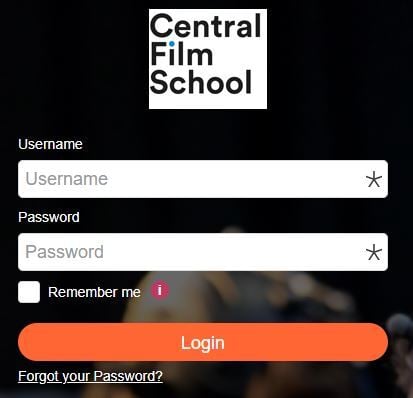
- Visit the Siso website here and log in using your account details.
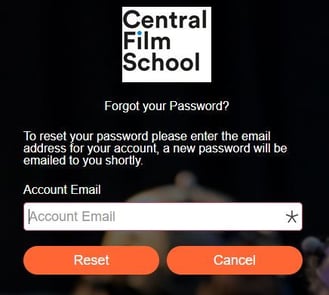
- If this is your first time logging in, select Forgot your password to set up your account. Your username is your CFS email address.
- Upon resetting your password, if you haven't received the login information, please check your spam/junk folder.
Using your timetable:
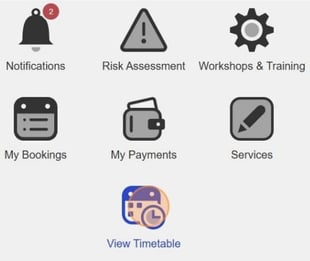
- Once logged in, select View Timetable to see your scheduled module sessions.
- Use the arrows at the top of the page to move between weeks.
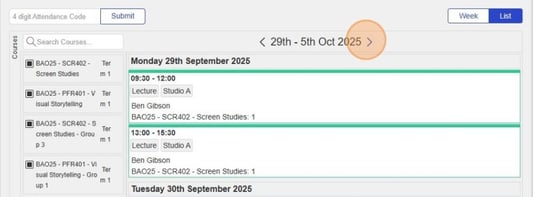
- You can filter what you see by selecting specific courses or modules on the left-hand side. Click Courses to hide this panel if you prefer a clearer view of your sessions.
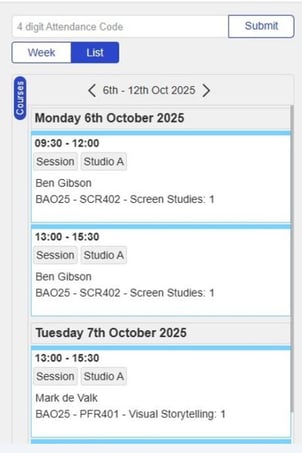
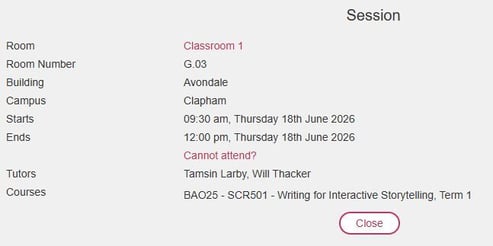
- Click on any session to see more details. You can also use this view to let the School know if you are unable to attend a particular session.